
Security
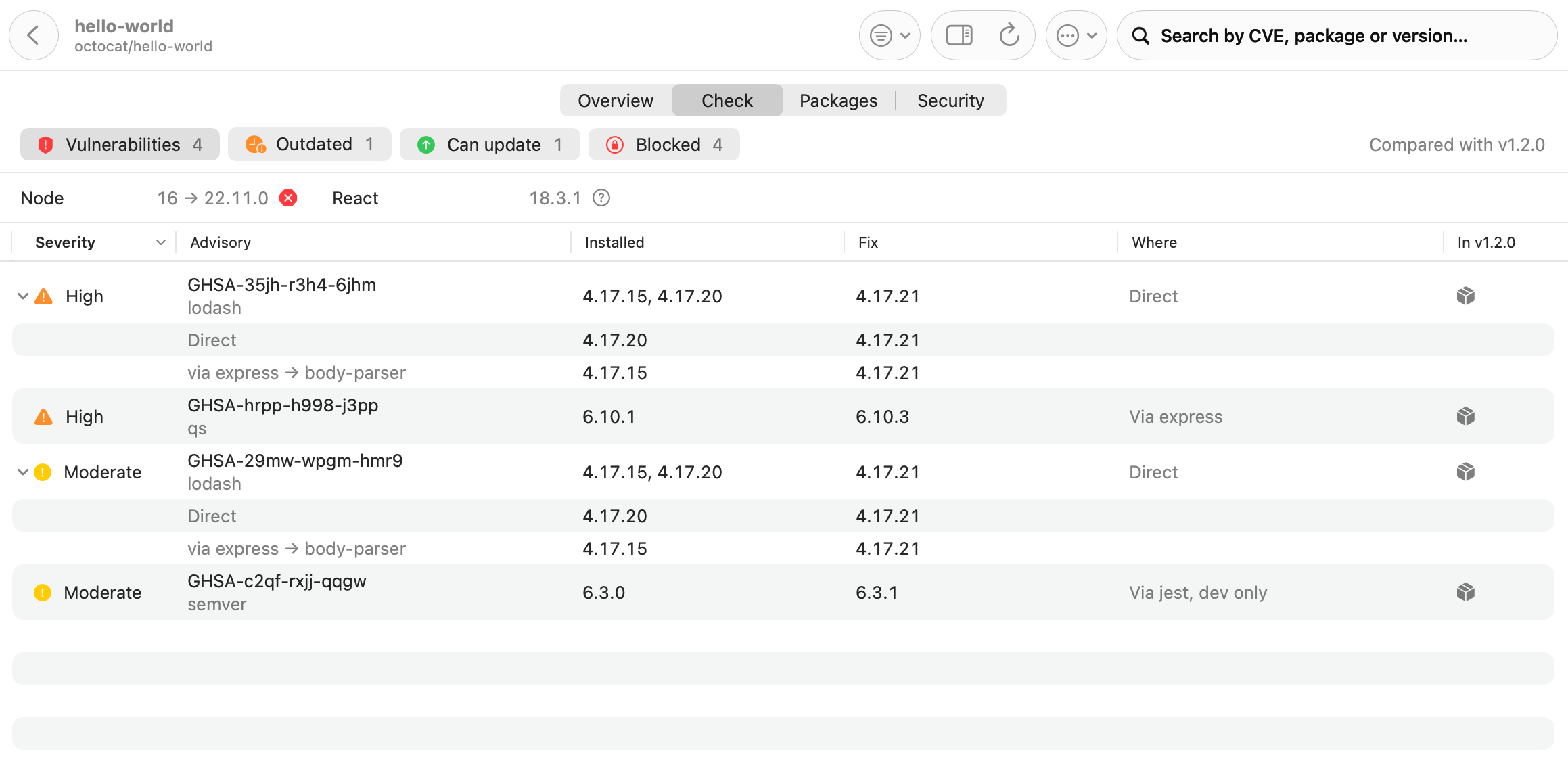
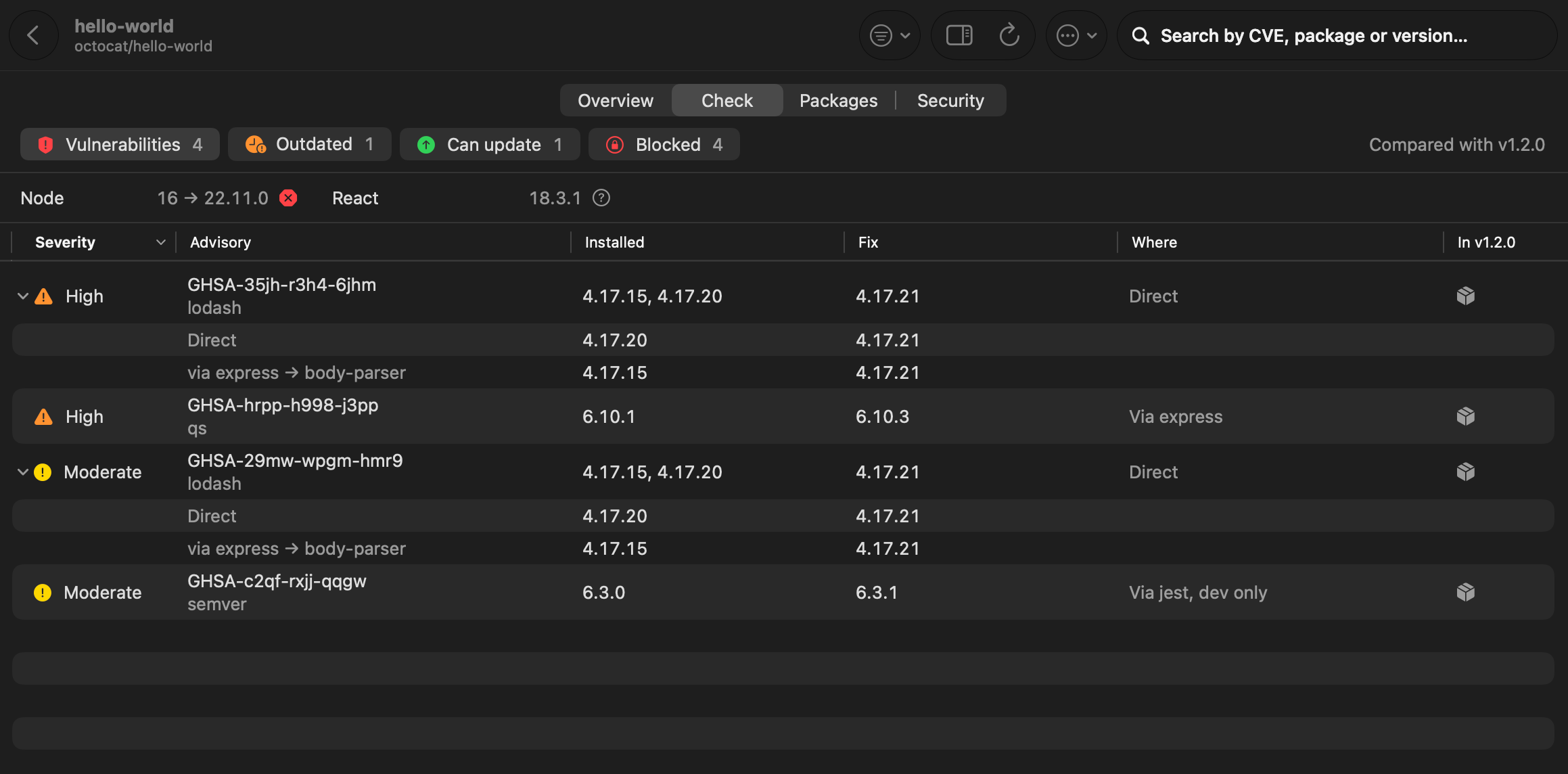
The same daily check that finds outdated versions also looks up known vulnerabilities. They show on the Check tab of a repository page, count towards its color in Repositories, and a new one sends a notification.
Packages with known vulnerabilities
Section titled “Packages with known vulnerabilities”Pullwatch sends the names and exact versions of your packages to OSV.dev, for these files:
go.modpackage-lock.json,yarn.lock(classic and Berry),pnpm-lock.yaml(v6 to v9)PackageReferenceandPackageVersionin .NET projects, NuGetpackages.lock.jsonrequirements*.txt(==only),poetry.lock,uv.lockcomposer.lockCargo.lock(crates.io only)Package.resolvedGemfile.lock(gems from rubygems.org;GITandPATHgems are skipped)
Maven and Gradle are not read: their versions only exist after resolving a build. Each scan reads at most 50 files per repository, lockfiles first.
Every finding says where it lives: the workspace, whether the package is direct or came in through another one (with the shortest chain, such as “via express, body-parser”), and whether it is for runtime, development only or optional. Expand a row to see each install.
If a repository has tags, the newest version tag is checked too (a pre-release such as -rc1 only when there is nothing else), and each vulnerability says whether that release has it as well. Anything already fixed on the default branch is not reported.
Advisory details
Section titled “Advisory details”Each vulnerability also shows its entry in the GitHub Advisory Database: the GHSA id next to the CVE, GitHub’s severity with the CVSS score and vector, the CWE names, and a link to github.com/advisories, on the repository page, in the copied text and in notifications. Pullwatch fetches each advisory once from GitHub’s public advisories API (with a GitHub account’s token when there is one) and keeps it with the check. Select a row to see it in the inspector, with the fix in plain words (“Update lodash to 4.17.21; that is within range, only the lockfile changes”) and what holds the fix back.
Alerts from GitHub and Azure DevOps
Section titled “Alerts from GitHub and Azure DevOps”The Security tab shows what the service itself knows, read with the daily check and Check, never on every poll.
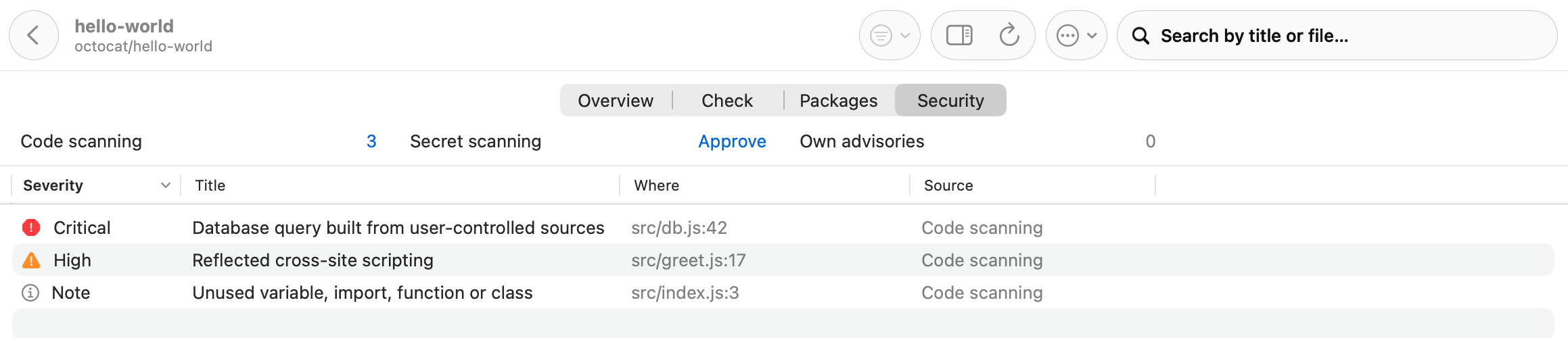
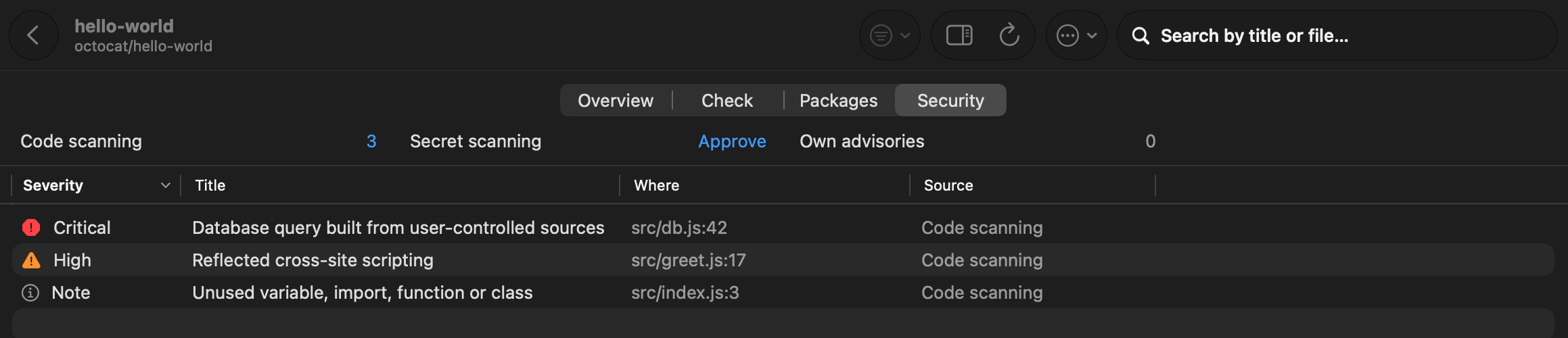
- GitHub: the advisories the repository publishes about itself, open code scanning alerts (CodeQL and other tools, with file and line), and the number of open secret scanning alerts. Pullwatch never reads the secret itself.
- Azure DevOps: open Advanced Security alerts for code and dependencies, and the number of secrets.
- GitLab has no equivalent open to every plan, so a GitLab repository shows the version and OSV.dev check only.
Open critical and high alerts count in the repository’s findings and its color. A notification for a new alert is off by default; turn it on under Settings, Notifications. When a kind is off for a repository, or the token may not read it, the tab says Off or Needs permission with a link, and nothing fails.
Turning sources off
Section titled “Turning sources off”Every source above can be switched off under Settings, Sources. Pullwatch then never shows that part as clean: it says “Not checked” with the name of the source that is off. See Privacy and sources.