
Notifications
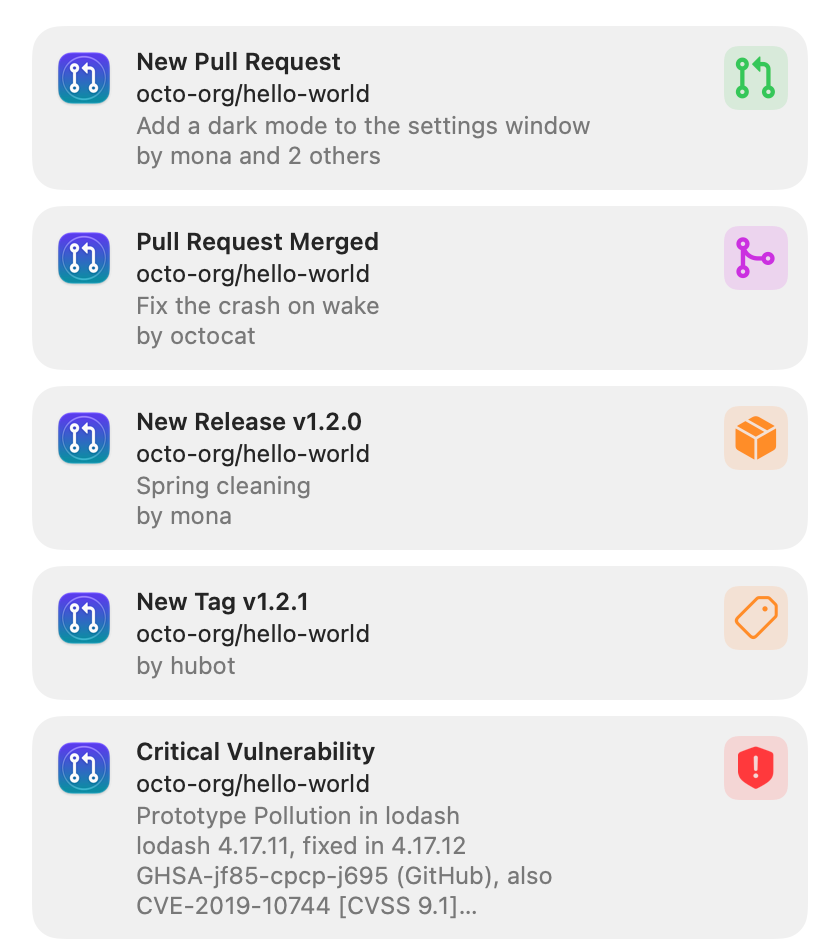
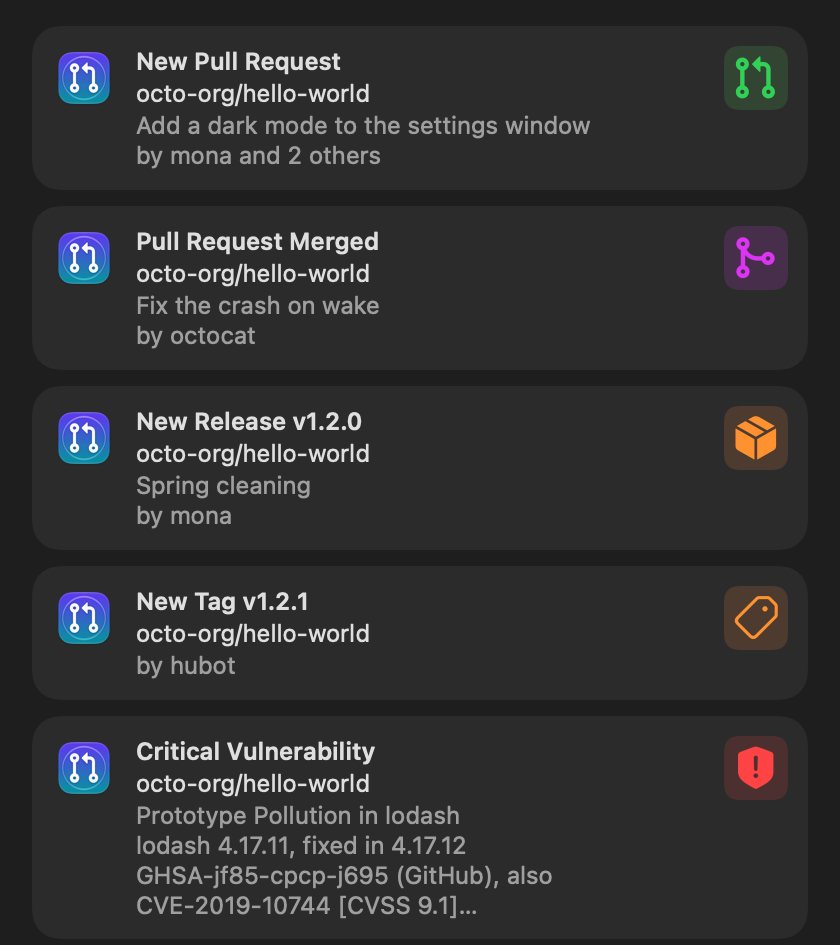
Each notification says what happened in the title (“New Pull Request”, “Pull Request Merged”, “New Release v1.2.0”, “Critical Vulnerability”), the repository in the subtitle, and the title with its author and co-authors (“by mona and 2 others”) in the body. A GitHub author’s picture is attached (fetched once and kept for a week); otherwise the notification shows the icon of its kind.
Loud and quiet
Section titled “Loud and quiet”New pull requests, releases, vulnerabilities and security alerts arrive with a banner and a sound. Tags without a release, merged pull requests and new versions arrive quietly, in Notification Center only. The most serious vulnerability leads the stack.
macOS groups the notifications per account and repository. Up to 20 items per poll each get their own notification; above that, one notification per repository says how many there are and lists the first three.
Buttons
Section titled “Buttons”- On a pull request, release or tag: Mark as Read, Open Repository Page (in Pullwatch) and Mute Repository.
- On a vulnerability: Show in Pullwatch, Copy Advisory ID and Open Repository Page.
Mute Repository turns off that kind of notification for that repository, the same as its bell in Settings, and the menu panel offers Undo until you close it. Clicking the notification itself opens the pull request, release or advisory and marks it read. Reading an item in Pullwatch removes its notification from Notification Center.
Settings, Notifications
Section titled “Settings, Notifications”- A switch per kind: new pull requests, merged pull requests, releases, tags, vulnerabilities, security alerts and new versions, each with a preview.
- Failed checks on your own pull requests (off by default) tells you when the checks of one of your own open pull requests fail.
- Quiet hours: between two times, notifications arrive without sound and in Notification Center only. Focus and Do Not Disturb still come from macOS.
- The unread count on the Dock icon, and a dot on the menu bar icon while something is unread.
Per repository, the bell next to it in Settings, Accounts turns its notifications off while you keep following it.
Notifications respect Focus. Pullwatch does not use Time Sensitive notifications, which would need a provisioning profile.