
The menu panel
Click the Pullwatch icon in the menu bar to open the menu panel.
What it shows
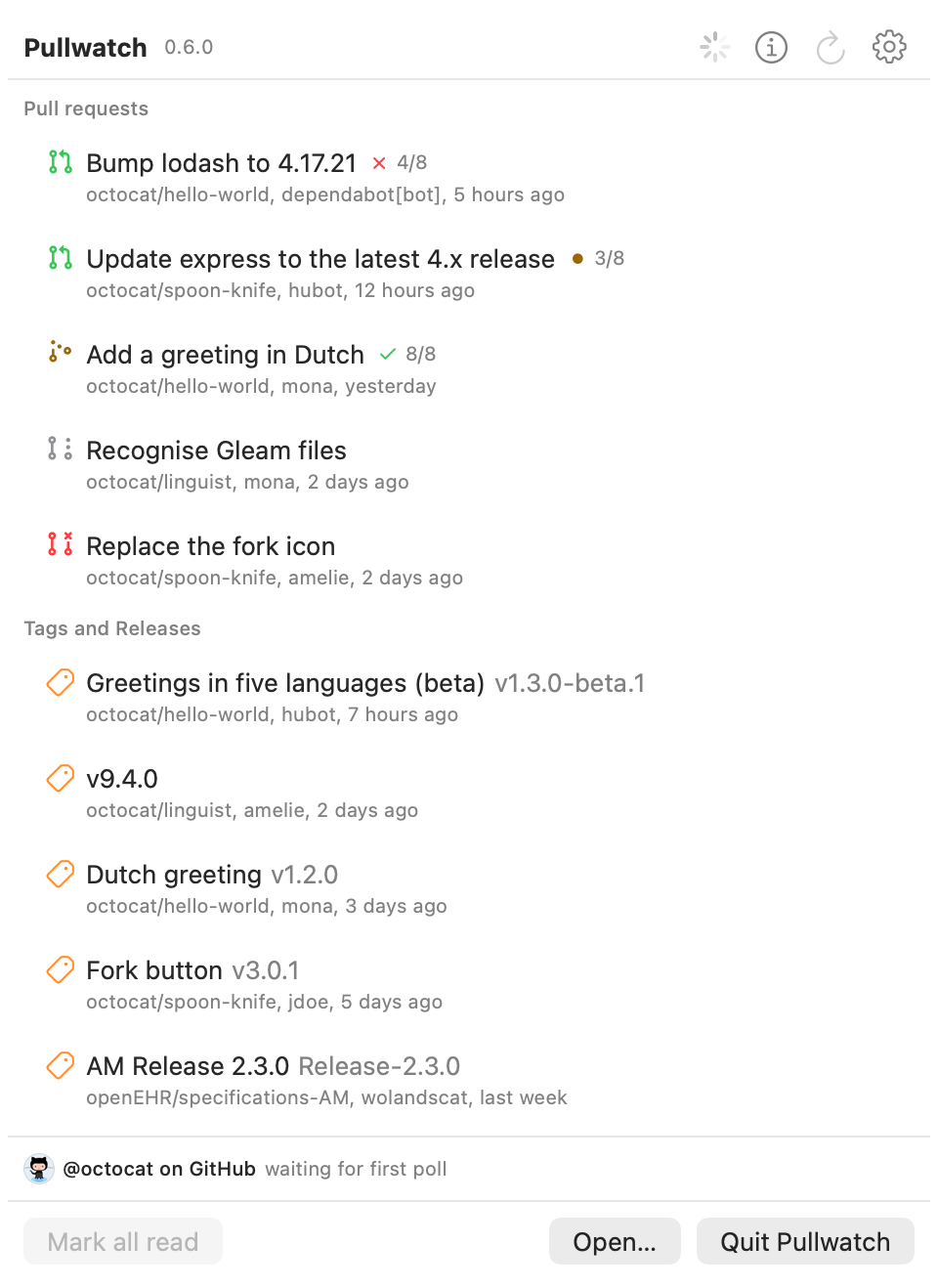
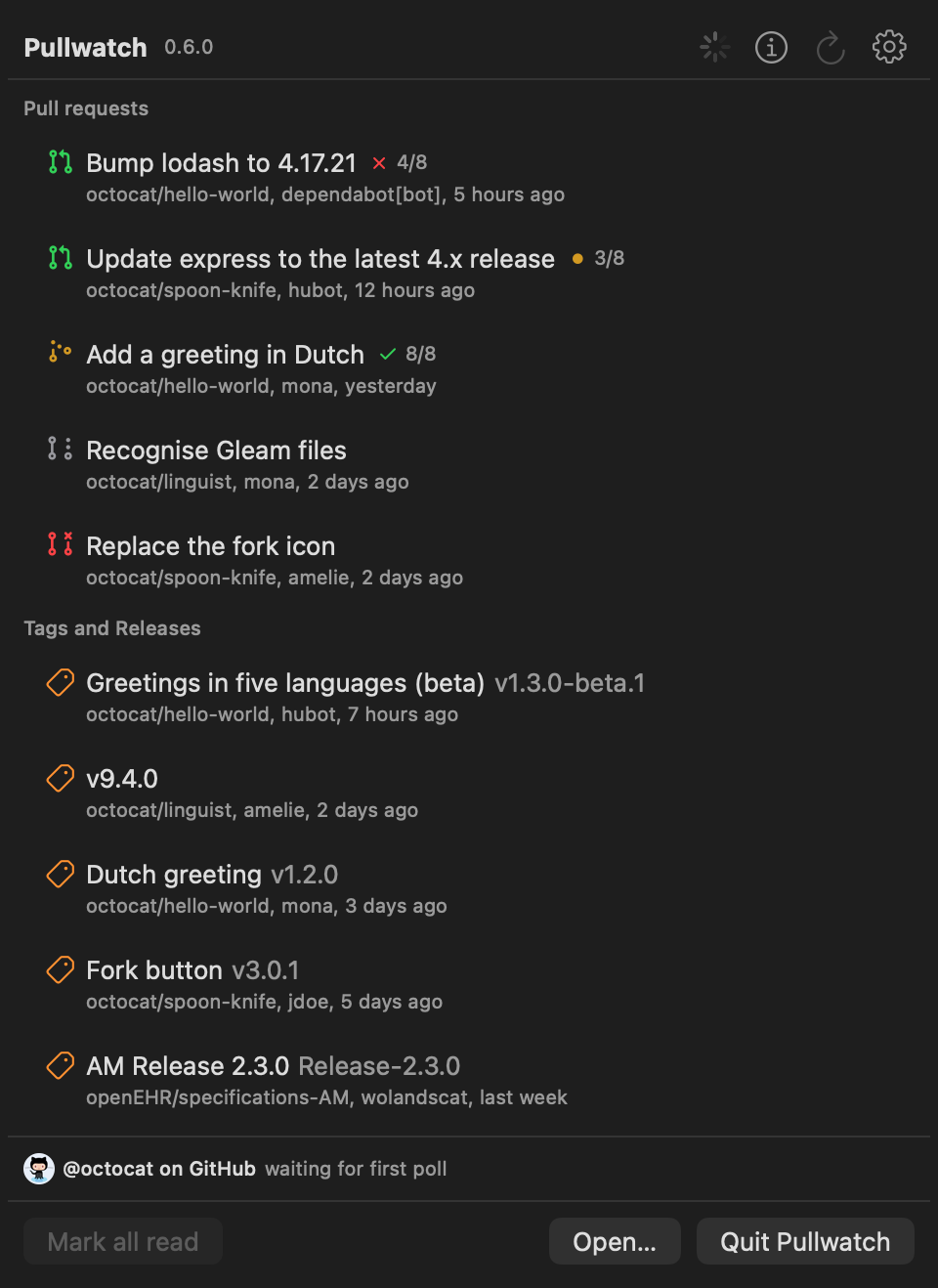
Section titled “What it shows”- Pull requests: the newest ones from the repositories you follow. Each row has the state icon (open, draft, merged or closed), the title, the checks (such as
4/8, with a red cross when one failed), and below it the repository, the author and when Pullwatch saw it. - Tags and Releases: the newest tags, with the release title in front of the tag name when there is a release.
- Each account at the bottom with the state of its last poll, so you see at once when a token expired or a server is unreachable.
- A banner when a new version of Pullwatch is available, and Undo after you muted a repository from a notification.
A small dot in front of a row means it is unread. Settings, Notifications can also put a dot on the menu bar icon itself while something is unread.
What you can do
Section titled “What you can do”- Click a row to open the pull request, tag or release in your browser. It is then marked as read.
- Right-click a row to mark it read or unread, or to open the repository’s page in Pullwatch.
- The buttons at the top: About Pullwatch, Refresh now (⌘R) and Settings (⌘,).
- At the bottom: Mark all read (⌘K), Open… (⌘O) for the main window, and Quit Pullwatch (⌘Q).