
Dependencies
Once a day, and whenever you choose Check all, Pullwatch reads the manifests and lockfiles on the default branch of every repository you follow. It finds the runtimes, frameworks and packages, and compares them with what is current. You can turn the daily check off under Settings, General.
Runtimes and frameworks
Section titled “Runtimes and frameworks”| File | What Pullwatch finds |
|---|---|
go.mod |
Go |
*.csproj, *.fsproj, Directory.Build.props |
.NET |
package.json |
Node (engines), Angular, React, Vue, Next.js, Nuxt |
composer.json |
PHP, Symfony, Laravel |
rust-toolchain, rust-toolchain.toml, root Cargo.toml |
Rust |
Package.swift |
Swift, compared with the releases on swift.org |
.nvmrc, .node-version, pyproject.toml, .python-version |
Node, Python |
Dockerfile* |
base images such as node, golang, python, dotnet, alpine, debian, ubuntu, nginx, postgres, redis, eclipse-temurin, rust, php and ruby |
.github/workflows/*.yml |
python-version, node-version, go-version, dotnet-version |
Versions are compared with endoflife.date and get one of four states: Current, Behind (a newer major or minor exists; patches do not count), EOL or Unknown. Swift has no end-of-life policy, so it is never EOL.
A few rules keep the result honest:
- A requirement that is only a minimum (
engines.node,phpincomposer.json,requires-python,rust-version, versions in CI) is dropped when the same language is pinned elsewhere, such as a Docker image,.nvmrcorrust-toolchain. - For frameworks, the installed version from
package-lock.jsonorcomposer.lockwins over the minimum in the manifest. - A
go.modused as a local copy of a dependency (replace ... => ./path) is ignored. - Custom Docker images are recognized by a known name before the first dash (
php-fpm-alpine:8.4is PHP 8.4), andARGdefaults inFROMare filled in.
The Dependencies section
Section titled “The Dependencies section”Dependencies in the sidebar turns the check around: per runtime and package, the latest version, and which repositories are still on an older one. It updates with the version check (daily, Check all and Check now), and its badge in the sidebar counts the new versions you have not seen yet that you can take now or that fix a vulnerability.
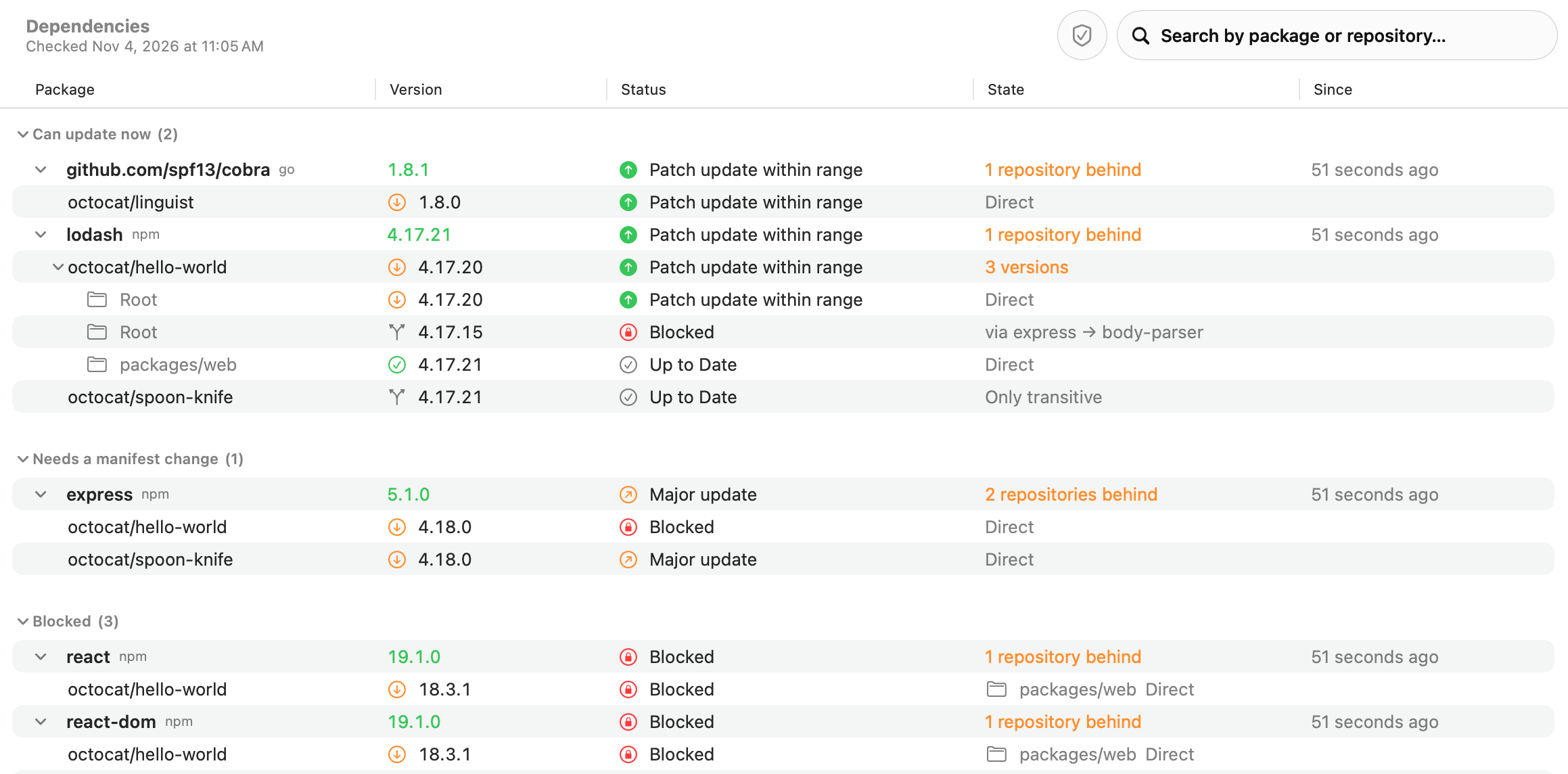
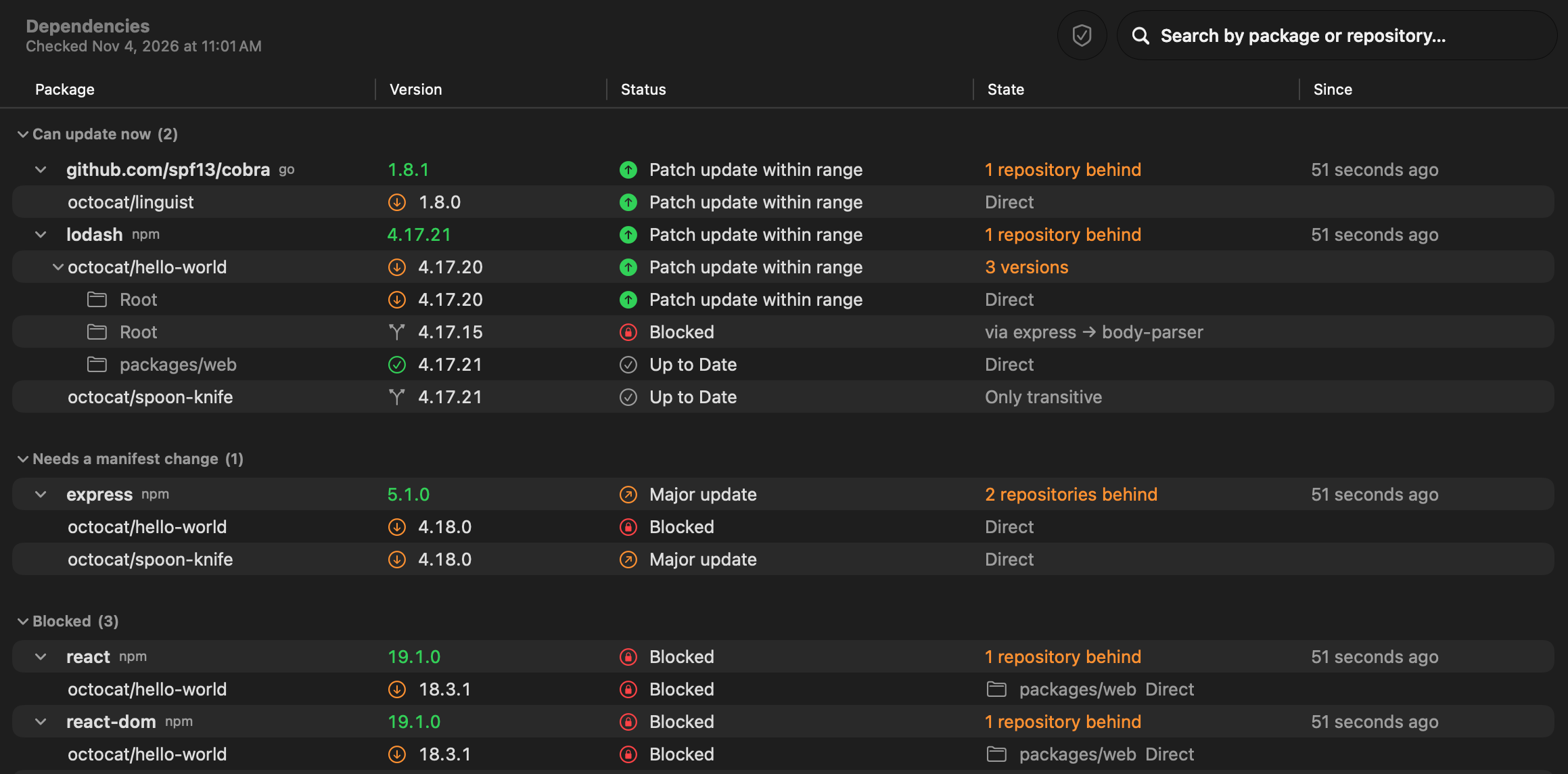
- Runtimes (Go, Node, PHP, Python, .NET, Rust, Swift and Docker images) are compared within their release cycle, patches included. A repository on Go 1.27.3 sees that Go 1.27.4 is available, and one on Go 1.26.9 sees 1.26.10 once that is out. A newer cycle (Node 22 to 25) shows on the repository as behind instead. A version without a patch (
go 1.27,node:22) is never behind on patches. - Packages are the direct dependencies, from the root and each workspace. Development-only packages are marked as such. A package without an exact version (a range without a lockfile) is not counted. Frameworks (React, Angular, Vue, Next.js, Nuxt, Laravel, Symfony) appear once, as a package.
- The latest version comes from the package’s registry: proxy.golang.org, registry.npmjs.org, repo.packagist.org, api.nuget.org, pypi.org, crates.io and rubygems.org. Pre-releases do not count. Private modules and Swift packages end up under Can’t be checked.
How Pullwatch knows a package is direct:
| File | Direct packages |
|---|---|
go.mod |
lines without // indirect |
package-lock.json (v2 and v3), pnpm-lock.yaml |
the root and the workspaces |
packages.lock.json |
packages marked Direct |
Gemfile.lock |
the DEPENDENCIES section |
composer.lock, Cargo.lock, poetry.lock, uv.lock, yarn.lock |
the names in composer.json, Cargo.toml, pyproject.toml, or the package.json of the root and each workspace |
.NET PackageReference, requirements*.txt |
every package, since they are direct already |
Development-only packages come from devDependencies, require-dev, dev groups, and the group :development, :test blocks of a Gemfile.
The groups tell you what an update takes: Can update now fits the range in your manifest, so only the lockfile changes; Needs a manifest change is outside that range, such as a new major version; Blocked means another package holds it back, and the row says which one.
Per repository
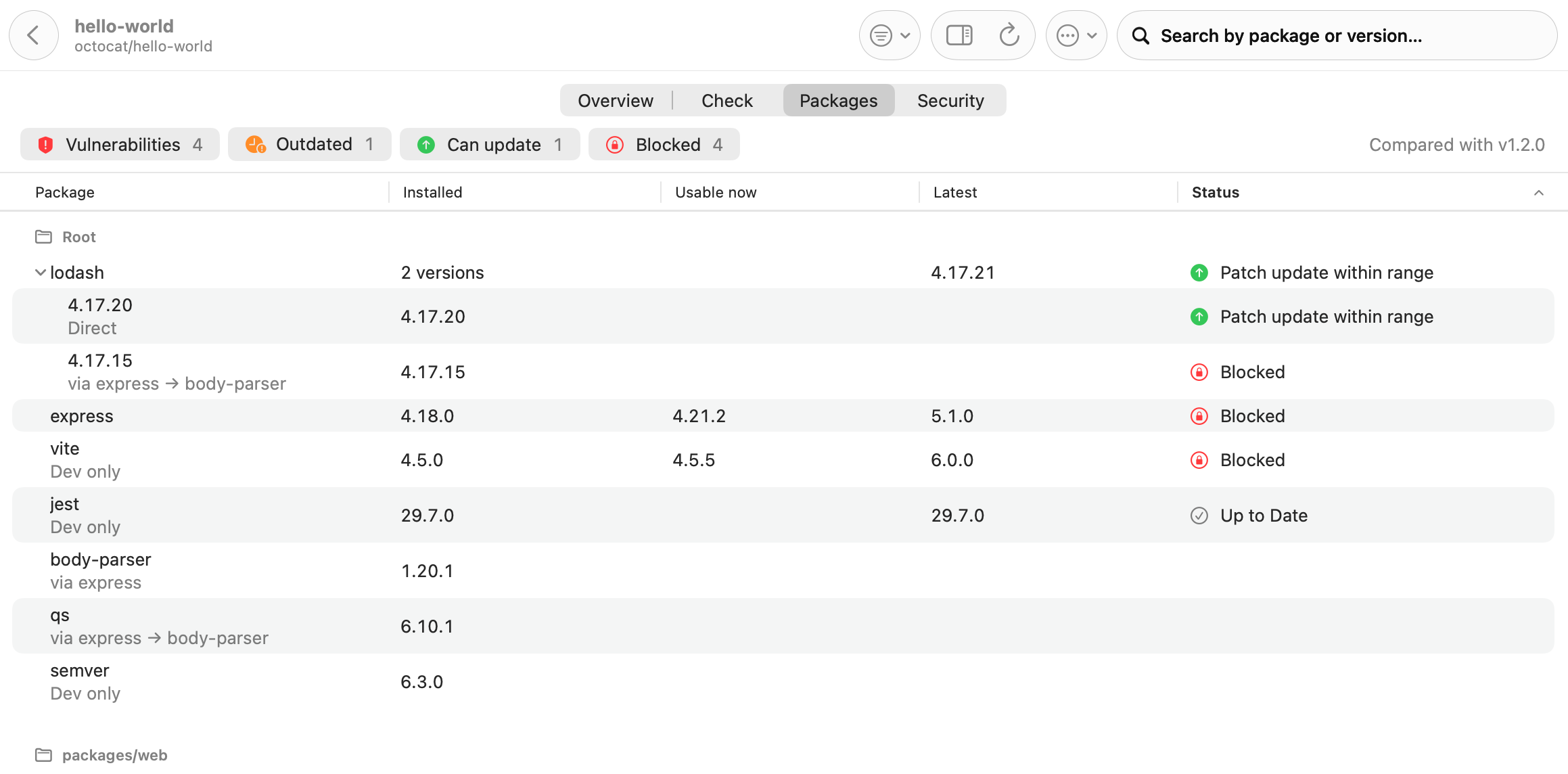
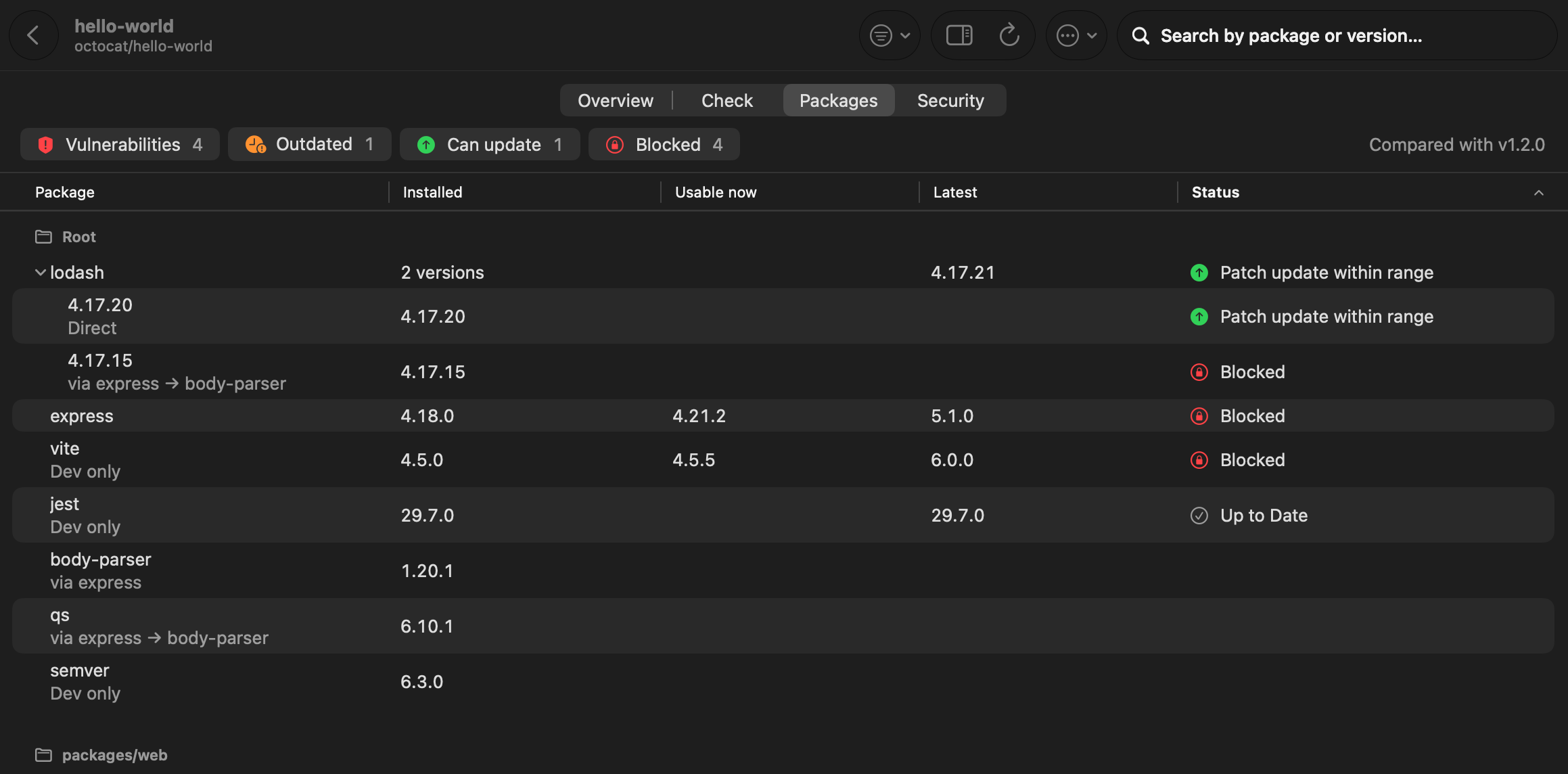
Section titled “Per repository”The Packages tab of a repository page shows the same per workspace: the installed version, the newest version usable now, the latest version, and whether the package is direct, comes in through another package (with the shortest chain) or is for development only.
After the daily check, one notification lists the new versions of anything a repository is behind on. The first time a package is seen stays silent. Turn it off under Settings, Notifications, New versions.