
Repositories
Repositories in the sidebar lists every repository you follow, worst first:
- red for known vulnerabilities or a runtime past its end of life;
- orange for a runtime that is behind, or packages with a new version;
- green when everything is current;
- grey when it has not been checked yet.


The findings column sums up why, and the list shows the open pull requests and the latest tag of each. + in the toolbar follows a single repository outside your accounts (see Repositories outside your account).
The repository page
Section titled “The repository page”Click a repository to open its page. It has four tabs.
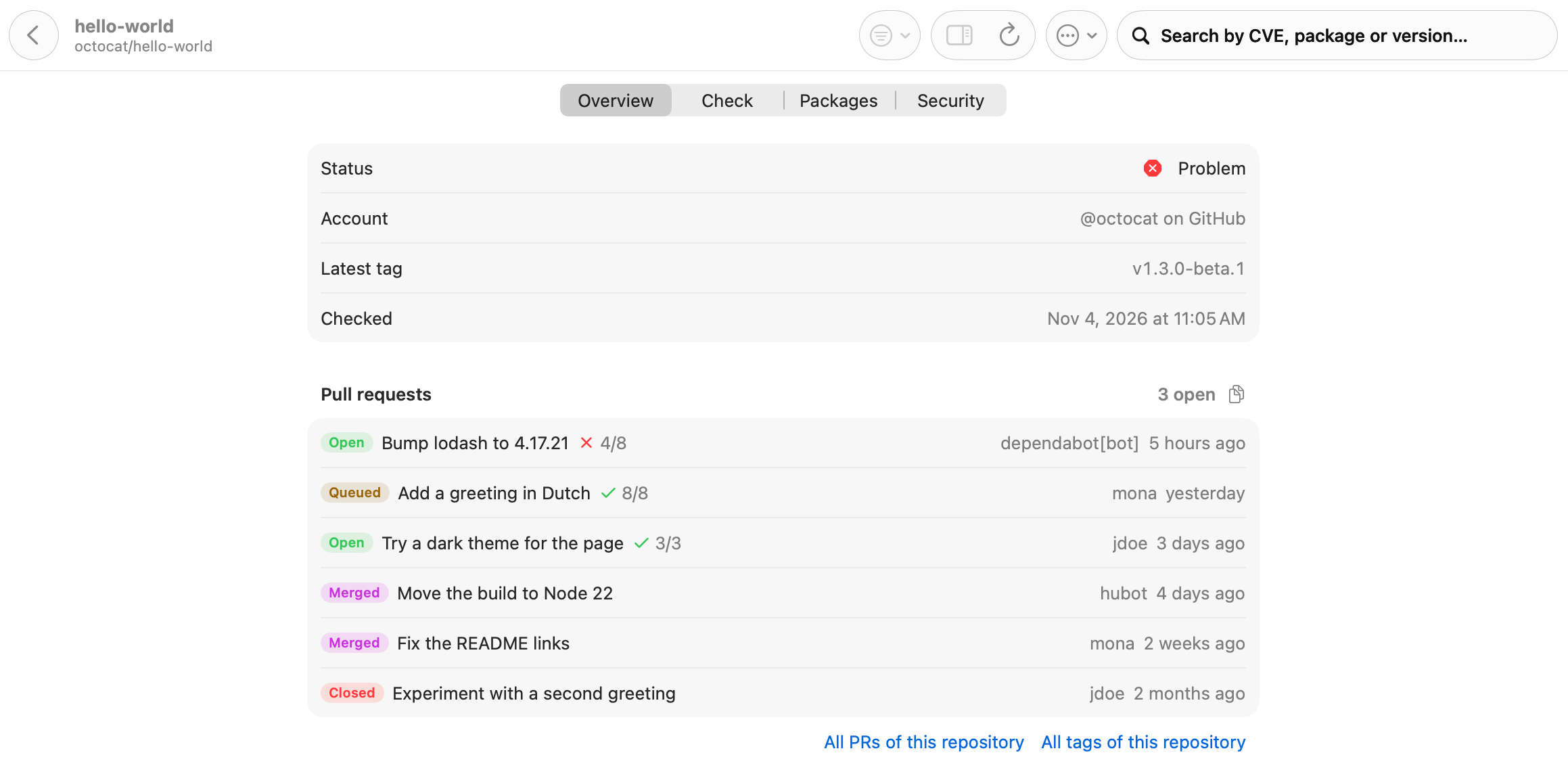
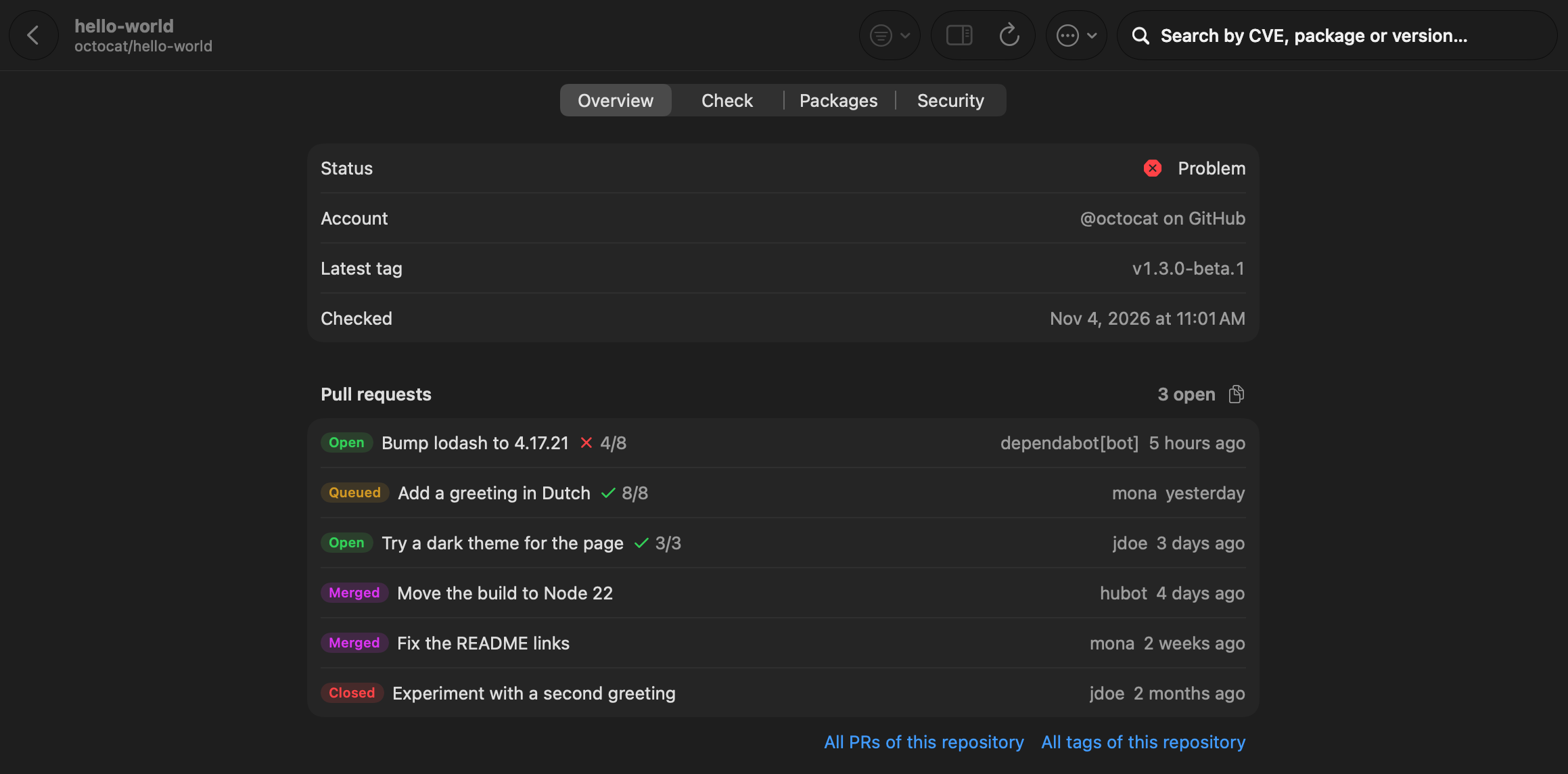
- Overview: the status, the account, the latest tag, when it was last checked, and the open and recent pull requests with their checks. Links lead to all pull requests and tags of the repository.
- Check: runtimes and frameworks with their versions, and the known vulnerabilities. See Security.
- Packages: every package with the installed version, the newest version you can use now and the latest one. See Dependencies.
- Security: what the service itself knows: code scanning, secret scanning and the repository’s own advisories.
The toolbar has Check (check this repository again), a button to copy its versions and vulnerabilities as text, and a menu to follow it (PRs, Tags, Merged, each with its own bell) without going to Settings. Its statistics are one jump away.
Copy for an AI agent
Section titled “Copy for an AI agent”Each section of the Overview tab, and the toolbar’s More menu, has Copy for an AI Agent: it puts that section on the clipboard as a Markdown brief, ready to paste into a coding agent as a task.