
Pull requests and tags
The main window (Open… in the menu panel) starts with two lists: PRs and Tags and Releases. Both keep every pull request and tag Pullwatch has seen, for as long as you choose under Settings, General (2 months, 6 months, 1 year or forever).
Pull requests
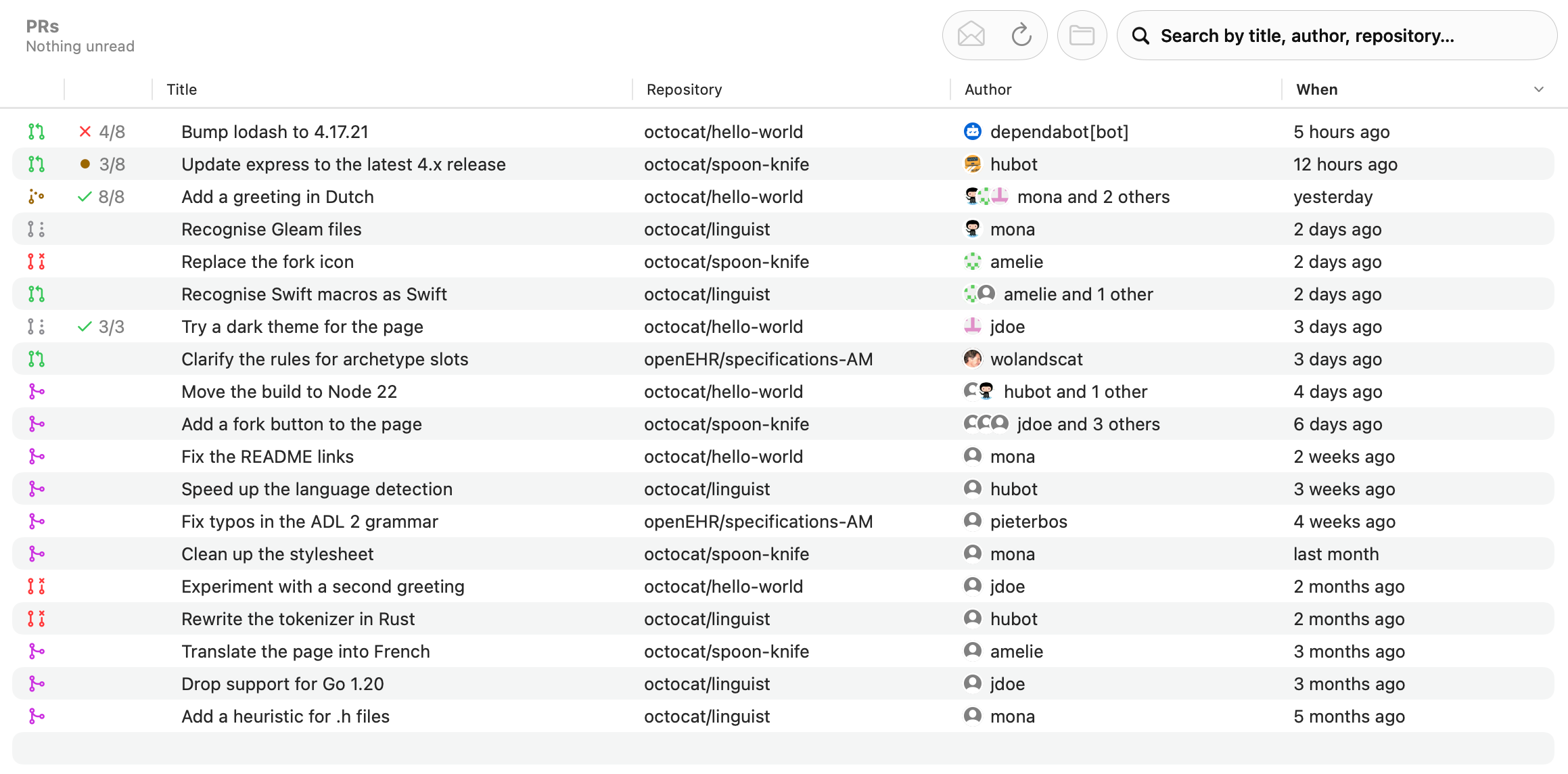
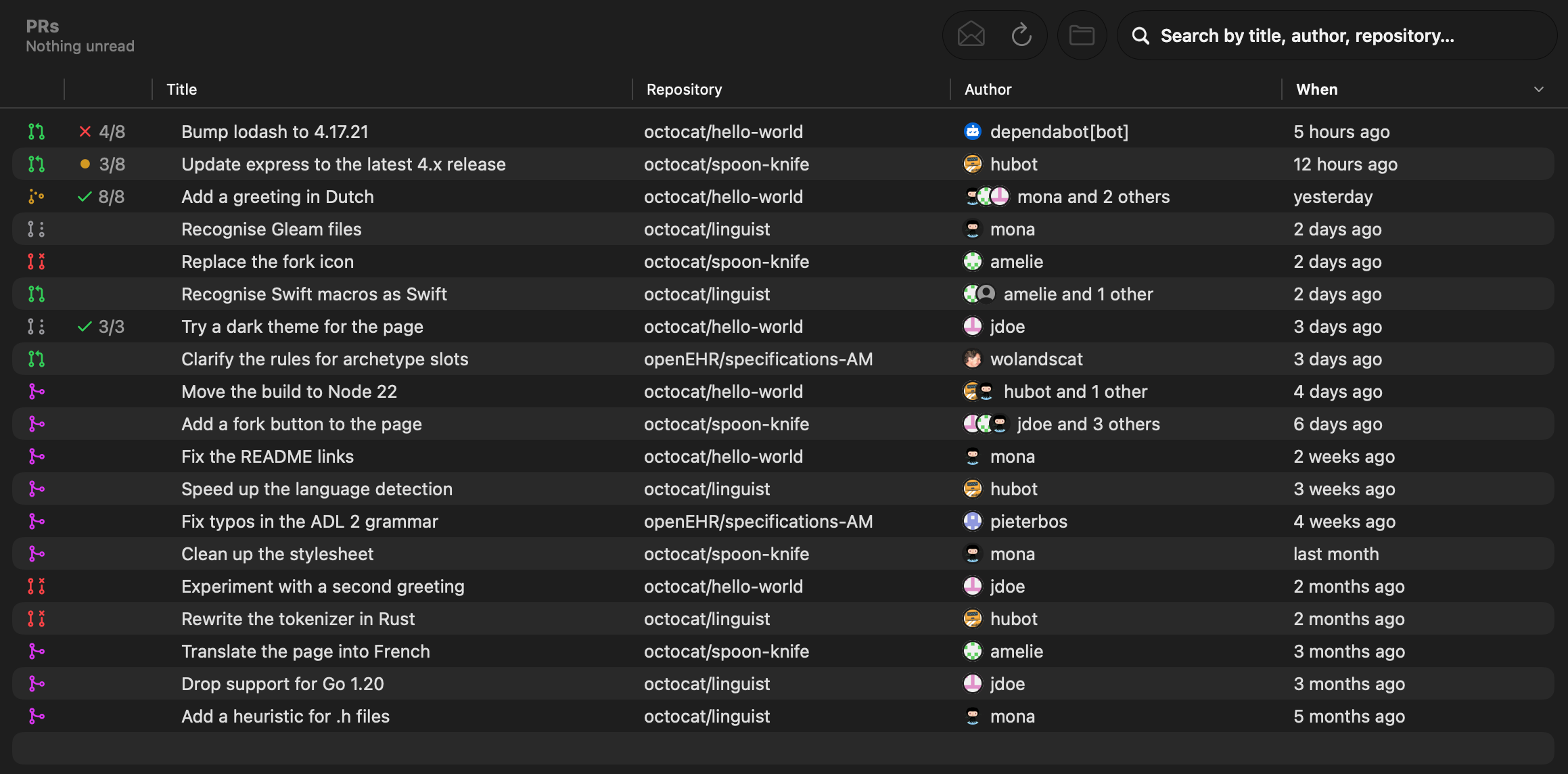
Section titled “Pull requests”Each row has the state icon in GitHub colors (open, draft, queued, merged, closed), the checks, the title, the repository, the author with co-authors (“mona and 2 others”) and when it was opened. Search by title, author or repository, and double-click a row to open it in the browser.
An open pull request that waits to merge by itself shows as queued, with an amber icon: in a merge queue on GitHub, in a merge train or set to merge when the pipeline succeeds on GitLab, or with auto-complete on Azure DevOps.
In the sidebar you can expand PRs, Tags and Releases and Repositories into their projects (Azure DevOps) or owners (GitHub and GitLab), each with its own unread count. Selecting one filters the list and the search to it. The badges count what is unread.
When you add an account, Pullwatch fetches its existing pull requests (open, merged and closed), back as far as the history goes and at most 1000 per account. Those do not notify you and arrive marked as read. After that the history is updated every 15 minutes: state, title and close date. Changing which repositories an account follows, or how long the history is kept, starts this first fetch again for that account.
GitHub’s search has a limit of its own, 30 requests per minute. When Pullwatch hits it, it waits until GitHub allows more, while polling for new pull requests carries on.
Checks
Section titled “Checks”Pullwatch shows the checks (CI) of each pull request the way GitHub’s list does: an icon in the color of the state and the number of passed checks out of all of them.
- a green check when everything passed, such as
8/8; - a red cross as soon as one failed, such as
4/8; - an amber dot while checks still run.
Skipped and neutral checks count as passed. The tooltip and VoiceOver say it in words: “4 of 8 checks passed, 1 failed and 3 running”. A pull request without checks has no cell.
On GitHub the checks come from the last commit (its statusCheckRollup, in the same request as the co-authors), on Azure DevOps from the pull request’s statuses and build policies, and on GitLab from the jobs of the head pipeline. Only open pull requests and those merged in the last three days are asked, and finished checks that did not change cost no request. Without permission for checks (see Token permissions) there is no cell, and the repository page says Checks: Needs permission.
Tags and releases
Section titled “Tags and releases”Tags and Releases lists every new tag. A tag shows who made it (on GitHub the person behind its release, else the tagger, else the commit author) with their picture, and a Release or Pre-release label with the release title. The toolbar filters on all tags, releases only, or tags without a release. A tag with a release opens the release; one without opens the files at that tag.
Tags are polled every 15 minutes, separate from pull requests (Refresh now polls tags too), and the first tag poll of a repository is silent. On GitHub a release published later for a tag Pullwatch already saw gives one notification and updates the same row.
Jump around
Section titled “Jump around”From a row, Repository in the toolbar (or a right click) opens that repository’s page. A repository page links back to all its pull requests and tags.